 CrackMac
MacBook display cable replacement: symptoms, causes and cost
If the picture flickers, shows lines or goes black when you move the lid, the display cable is the likely cause, not the panel. On most MacBooks from 2016 onward that cable is built into the display assembly, so Apple and most shops replace the whole display. A few specialists repair just the cable for much less, usually about $120 to $200.
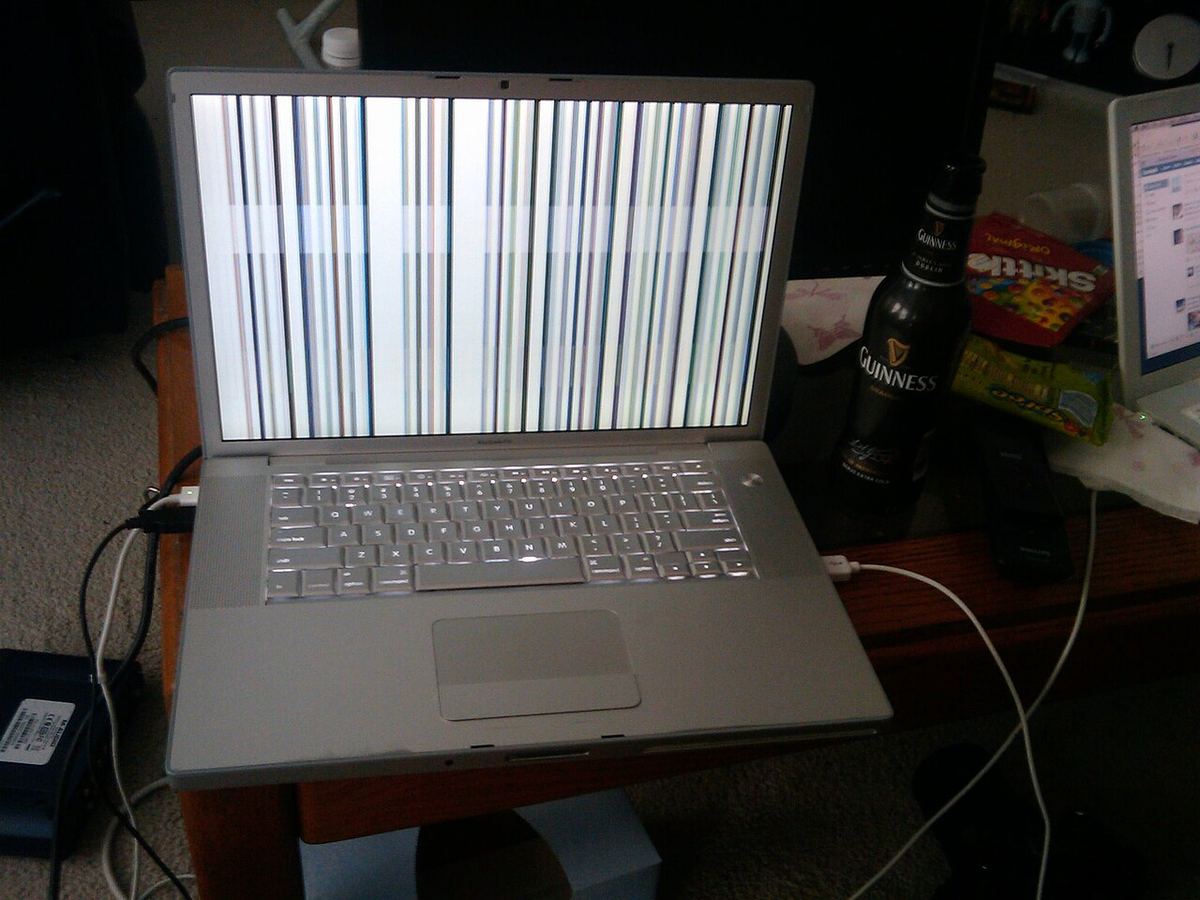
Cable or panel? The lid test
Open the lid slowly from nearly closed to fully open and watch the screen.
- The fault changes with the angle: flicker, lines, a black screen or uneven brightness at some angles. That's the cable.
- The fault stays exactly the same: that's the panel itself. Lines on the screen explains more.
More on angle-dependent faults: MacBook screen only works at certain angles.
Why the cable fails
- Wear from opening and closing. The cable bends through the hinge thousands of times. On 2016 and 2017 MacBook Pros the cables were short and wore out, the problem nicknamed flexgate.
- A knock to the hinge area or a drop on the bottom edge.
- Liquid that reached the connector.
Your options
| Option | Cost | Notes |
|---|---|---|
| New display assembly at Apple | From $395 for an Air, $99 with AppleCare+ | Fixes everything at once |
| New display assembly, DIY | About $215 to $360 for an Air | How to do it |
| Specialist cable repair | About $120 to $200 | Ask whether they replace or extend the cable |
Until it's fixed
- Find the angle where the picture is stable and keep the lid there.
- Use an external monitor at your desk. Here's how.
- If only one edge flickers, black it out and use the rest of the screen.
If the damage runs along one edge, CrackMac can keep windows, menus and the pointer off it. There's a free 30-minute trial.
Quick answers
How do I know if my MacBook display cable is bad?
The picture changes when you move the lid: flicker, lines or a black screen at certain angles. On some 2016 and 2017 MacBook Pros it showed as uneven light along the bottom edge, nicknamed flexgate.
Can you replace just the display cable on a MacBook?
On most models from 2016 onward the cable is part of the display assembly, so Apple replaces the whole display. Some specialist shops replace only the cable or its connector, which is cheaper but needs micro-soldering or panel work.
How much does a MacBook display cable repair cost?
At Apple, the price of a full display assembly. Specialist cable repairs are typically listed at around $120 to $200.
Only the bottom edge flickering?

A failing cable often shows up as flicker or a dead band along one edge first. CrackMac paints that strip black and keeps windows, the menu bar and the pointer on the rest of the screen. Free for 30 minutes.
- Works on macOS 13 or later, Apple silicon and Intel.
- Free for 30 minutes of use, then a one-time price. No subscription.
- A refund within 7 days, no questions asked.