Is there a free trial?
Yes: the full app for 30 minutes of use, free to download. The clock only runs while CrackMac is actually working. It needs an internet connection, because the time is kept on our server against an anonymous fingerprint of your Mac (a one-way hash, never the hardware ID itself), so reinstalling doesn't reset it. If it works for you, buy the full version and install it over the trial; your dead-zone settings carry over. One step people miss: macOS remembers the trial's Accessibility permission, not the full app's, so after installing, remove CrackMac from System Settings → Privacy & Security → Accessibility with “−” and switch it on again when CrackMac asks. Until you do, the full version looks as if it isn't working.
Does this repair my screen?
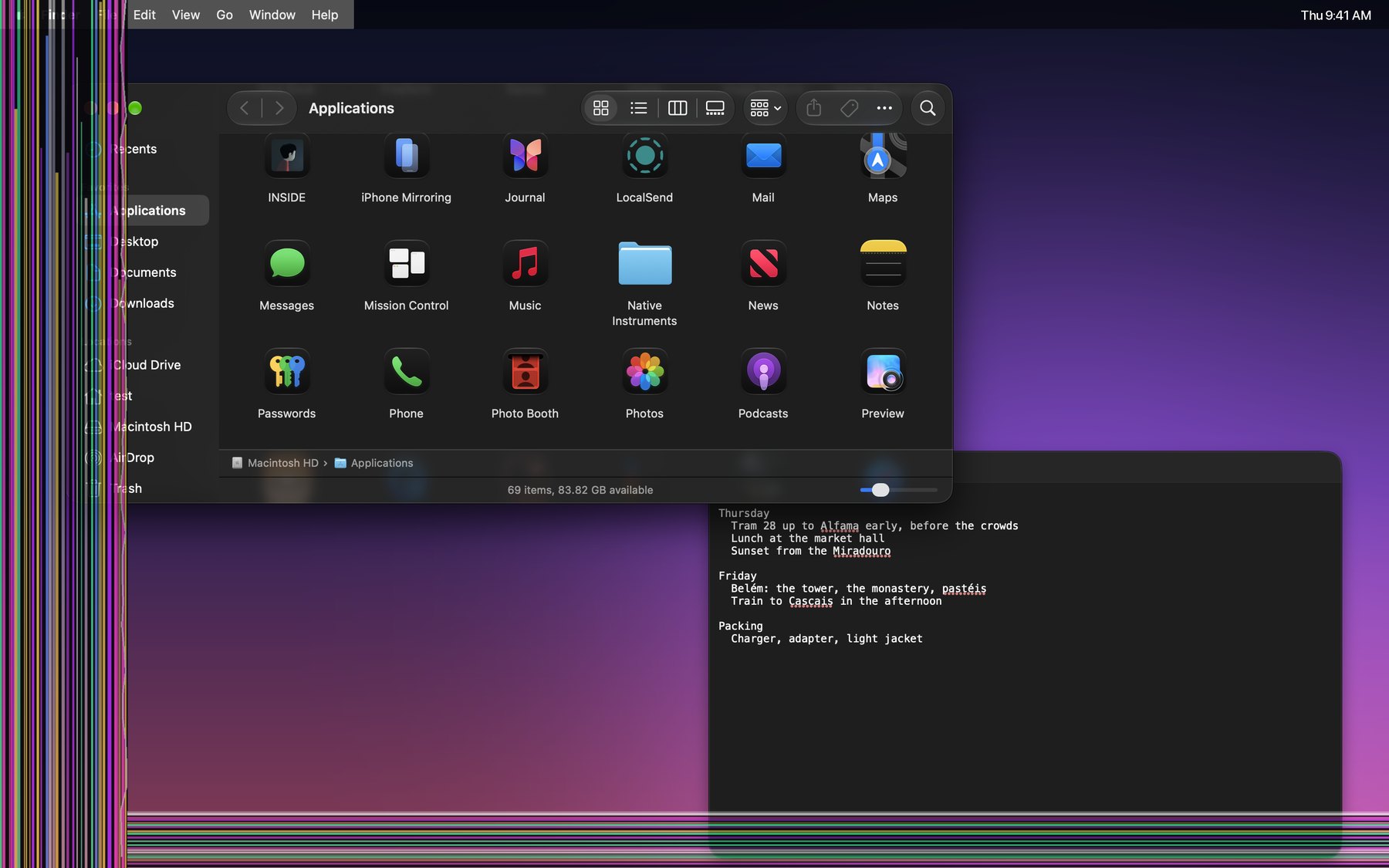
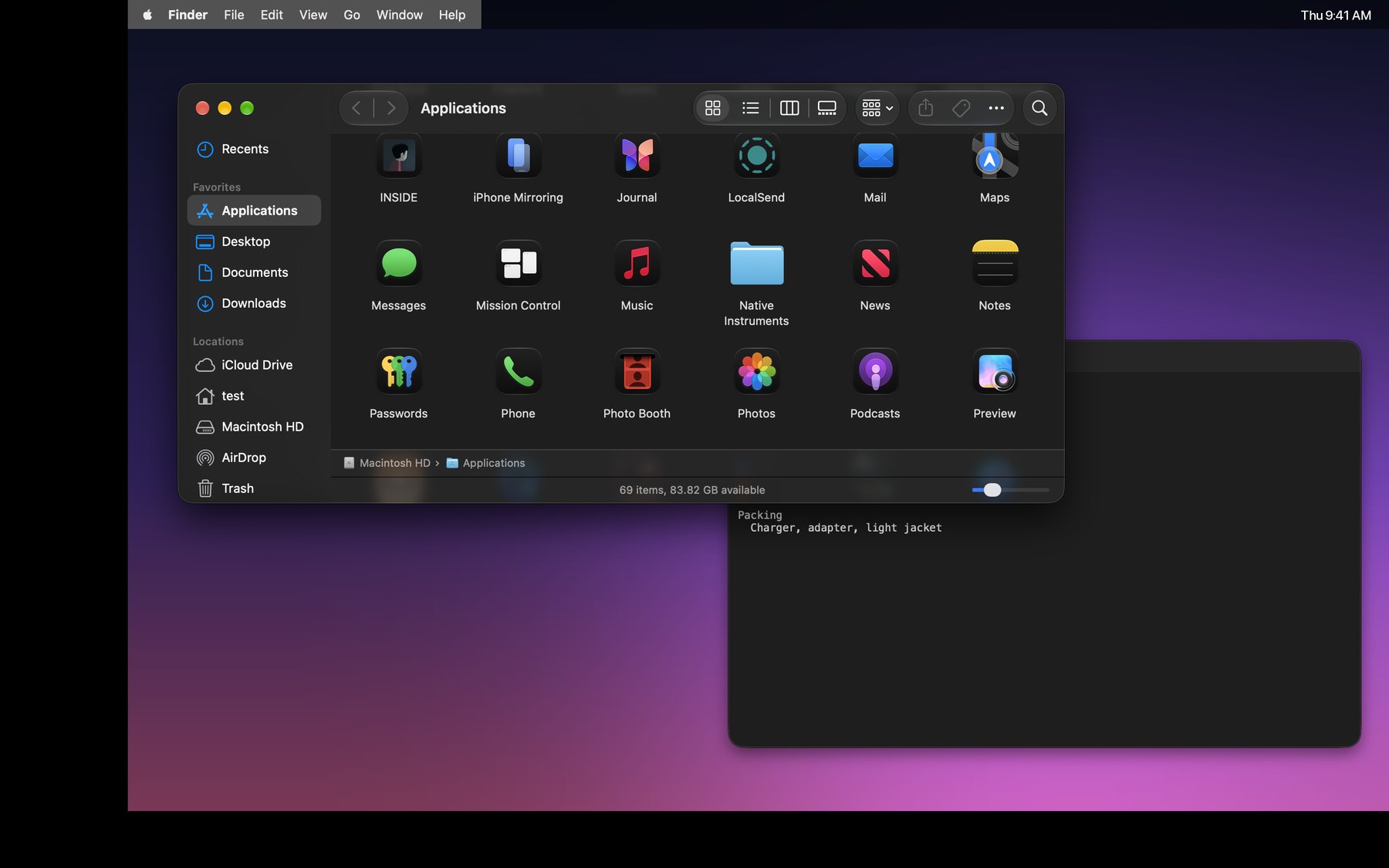
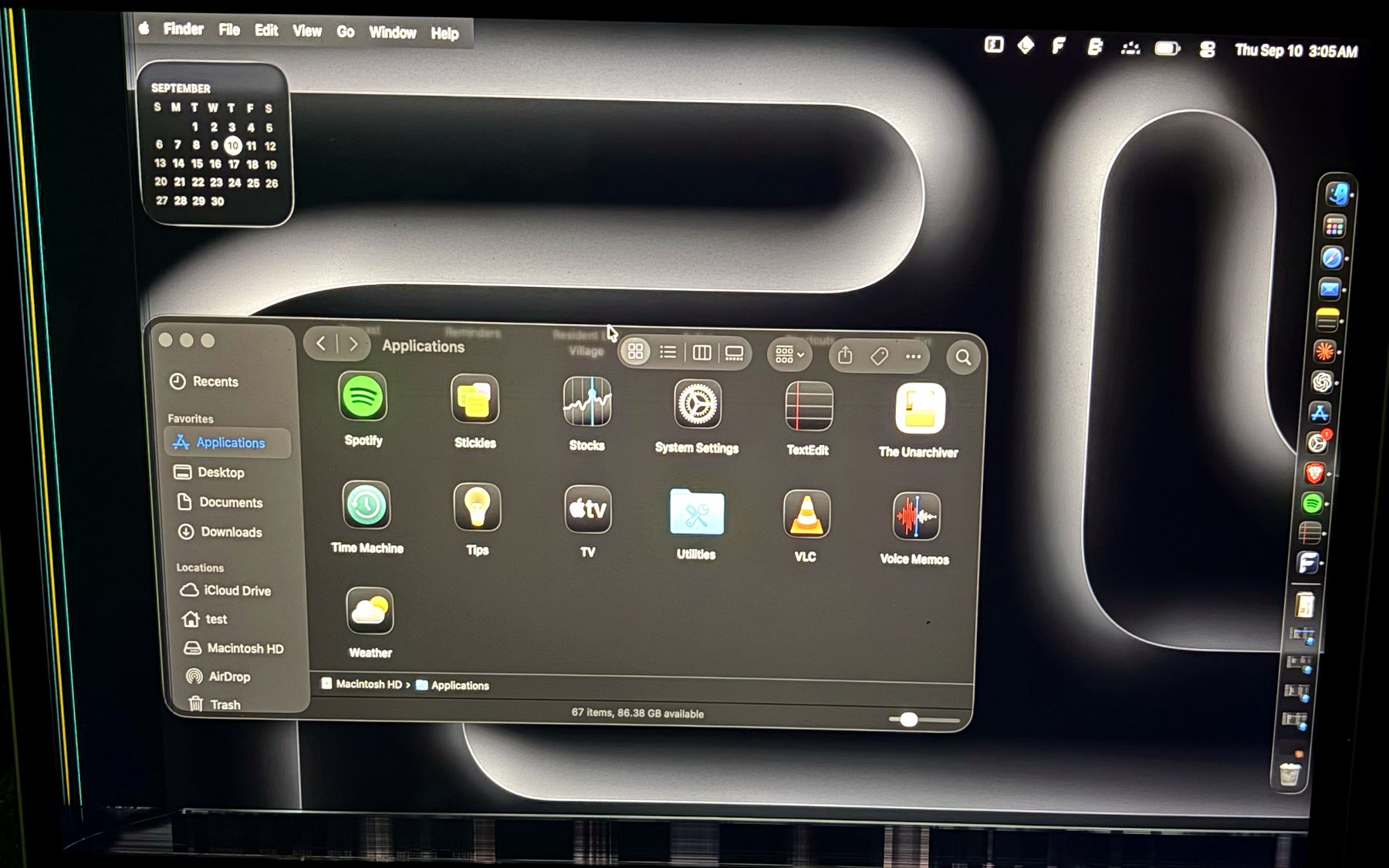
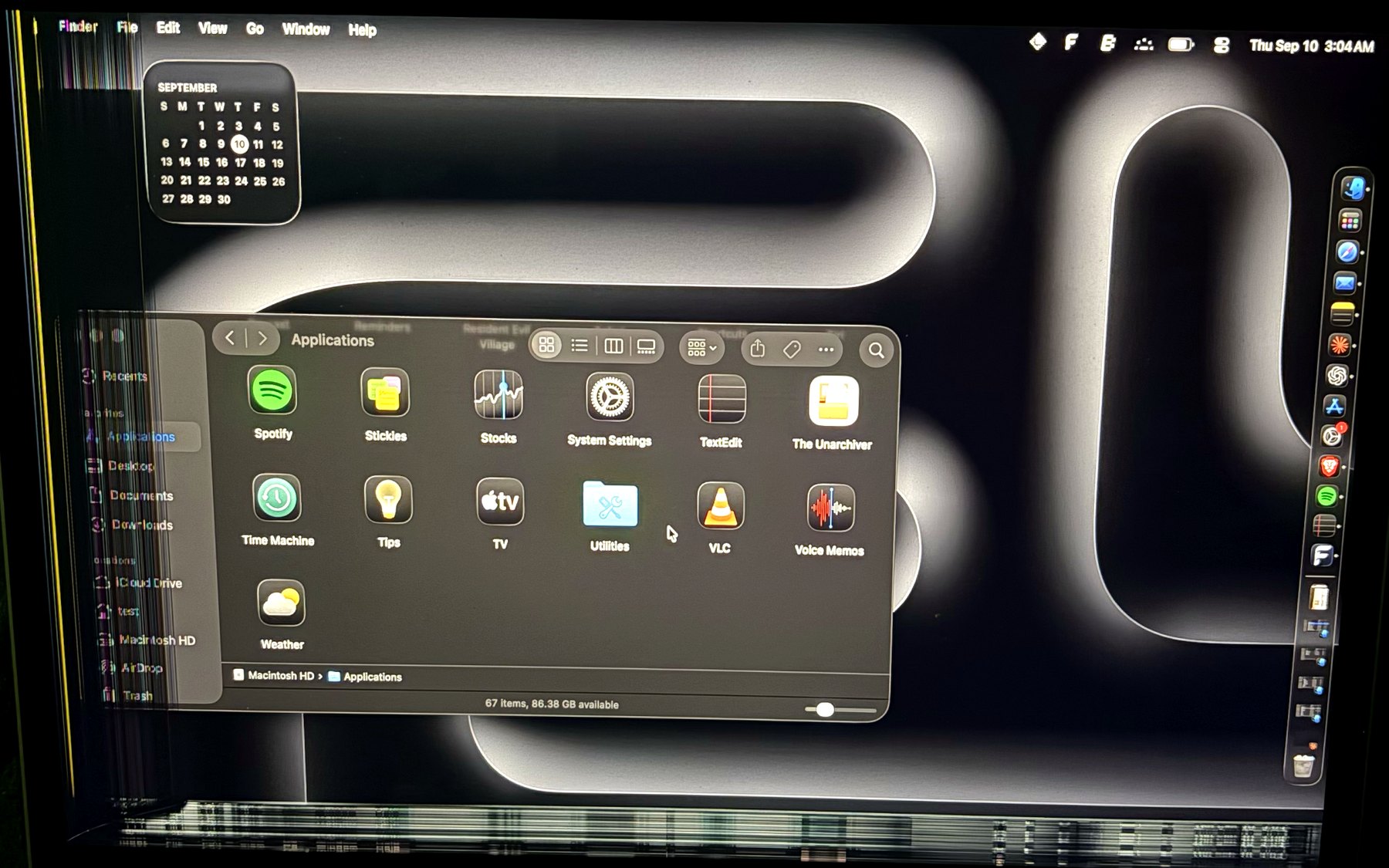
No — nothing in software repairs a panel. CrackMac makes the working part of your display behave like the whole display, so a damaged Mac stays useful instead of being replaced. Weighing repair against the alternatives? Here's what each option costs.
My damage is in the middle of the screen.
Then CrackMac isn't for you, and we'd rather say so before you pay. It reserves rectangular bands along the edges. Damage in the centre can't be excluded without cutting your usable area in two.
What happens to full-screen video and games?
Native full-screen windows cannot be resized into the safe area. CrackMac can exit full screen and fit the window instead; a video may return to its windowed player. CrossOver support uses a Wine virtual desktop and depends on the game and bottle configuration.
Will the black mask hide all screen damage?
No. If damaged rows display noise regardless of the image sent to them, software cannot hide it. CrackMac can still help keep supported windows off that part of the panel.
What permission does it need?
One: Accessibility. Moving another app's window is a privileged operation on macOS, and the same permission covers mirroring the menu bar and holding the pointer inside the safe area. The app does not request Screen Recording or Full Disk Access. Once a day it checks a small version file on crackmac.app for updates, sending nothing about your Mac, and you can switch that off in Settings, About. The trial also checks in with our server once a minute to count its 30 minutes. Optional tools read or change Dock and screenshot preferences and CrossOver bottle settings. This website loads its font from Google Fonts.
What if something goes wrong?
⌃⌥⌘Esc disables live features while CrackMac is responsive. If it stops responding, quit it in Activity Monitor or run “killall CrackMac” in Terminal. CrackMac has no login item. Window positions and optional Dock, screenshot and CrossOver changes persist until changed again; this version backs up settings before changing them and provides Restore controls. Older changes made without backups cannot be recovered automatically.
How will I install the app?
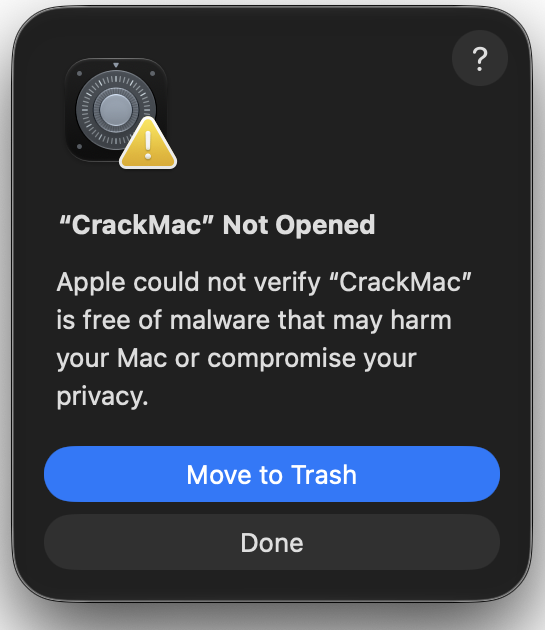
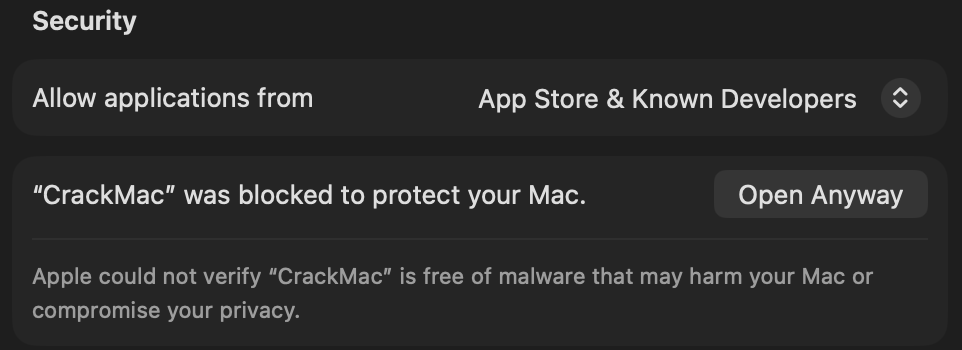
Drag CrackMac to Applications, launch it, then grant Accessibility in System Settings → Privacy & Security. Current development builds are not notarized and macOS may block them. For a build you trust, Apple's manual exception is Privacy & Security → Open Anyway. A clean downloaded-install test is still pending.
Does it work with an external display?
Yes. Calibration is stored per display, and the constraints only apply to a screen you've actually marked as damaged. An external monitor is left completely alone.
Will it slow my Mac down?
CrackMac reacts to window events and periodically checks windows, widgets and menus. Optional pointer confinement polls more frequently. Performance depends on your apps and setup; compatibility and energy-use testing are still in progress.
How do I get the download again later?
After you buy, your download link is emailed to you. It's yours alone, never expires, and always points at the newest version. Lost the email? Enter your address on the re-download page and we'll send it again.