 CrackMac
MacBook Air M1 A2337 screen replacement: every option and what it costs
An M1 MacBook Air screen replacement costs $99 at Apple with AppleCare+. Without it, Apple's genuine display is $395 plus labour. Doing it yourself costs about $215 to $357 for a new aftermarket assembly or $149 to $175 for a used genuine one, and iFixit rates the swap moderate at 30 to 60 minutes. The M1 Air is model A2337, EMC 3598, and only parts for that model fit.
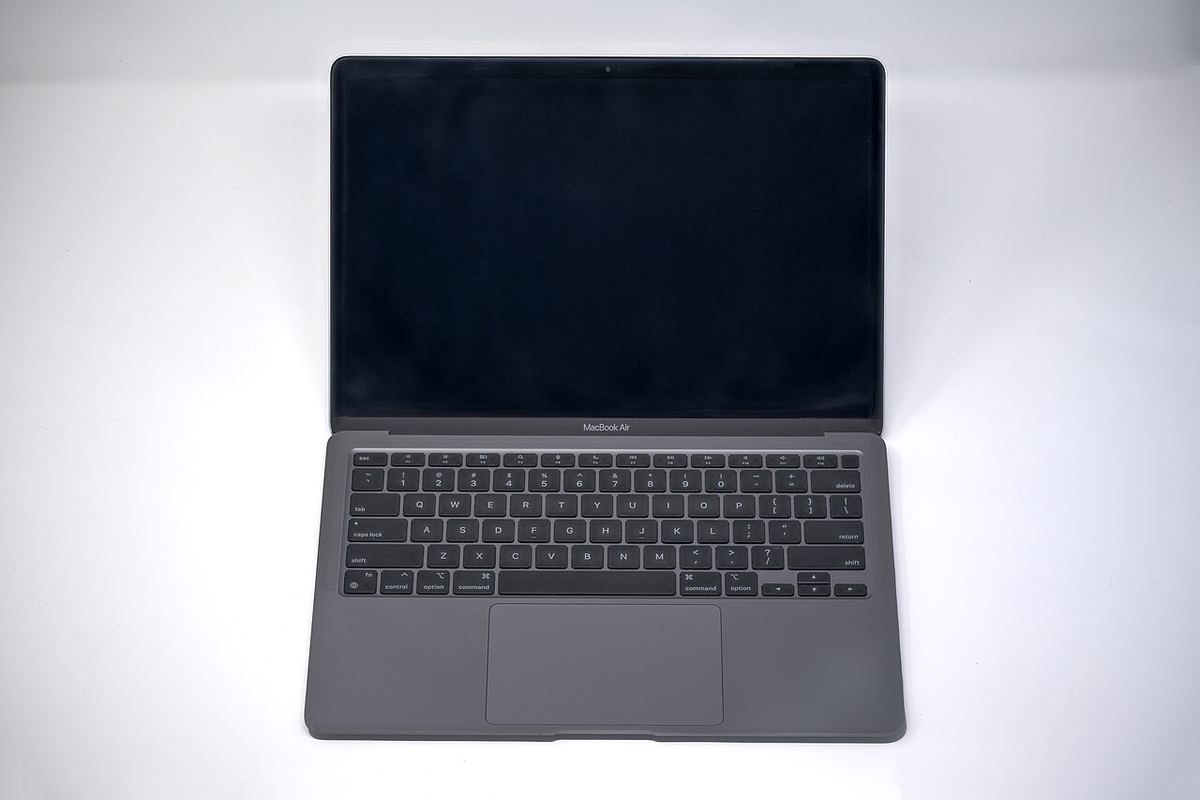
Your options, with prices
| Option | Cost | Notes |
|---|---|---|
| Apple, with AppleCare+ | $99 | Genuine, no work for you |
| Apple, without AppleCare+ | From $395 plus labour | Ask for a quote |
| Apple Self Service Repair, DIY | $395 part, minus $88 credit, plus $49 tools: $356 | Genuine, True Tone kept |
| iFixit used assembly | $399.99 with fix kit | Graded A-stock, lifetime guarantee |
| eBay new aftermarket assembly | $215 to $357 | Check colour and reviews |
| eBay used genuine assembly | $149 to $175 | Often the best value |
| LCD panel only | $189 to $223 | Hard; see below |
| Independent shop | Usually 20 to 35 percent below Apple | Ask which part they fit |
Part prices checked on 15 October 2026.
Full assembly or LCD only?
On the M1 Air the LCD panel is glued into the aluminium lid. A full assembly replaces the whole lid in one go and needs only screwdrivers. An LCD-only swap means heating and prying the old panel out of the lid, and for a new aftermarket panel the saving over a full assembly is small. Unless your lid is in perfect condition and you've done this before, buy the full assembly. More on LCD-only repairs.
The steps
- Turn off Auto Boot, shut down and unplug.
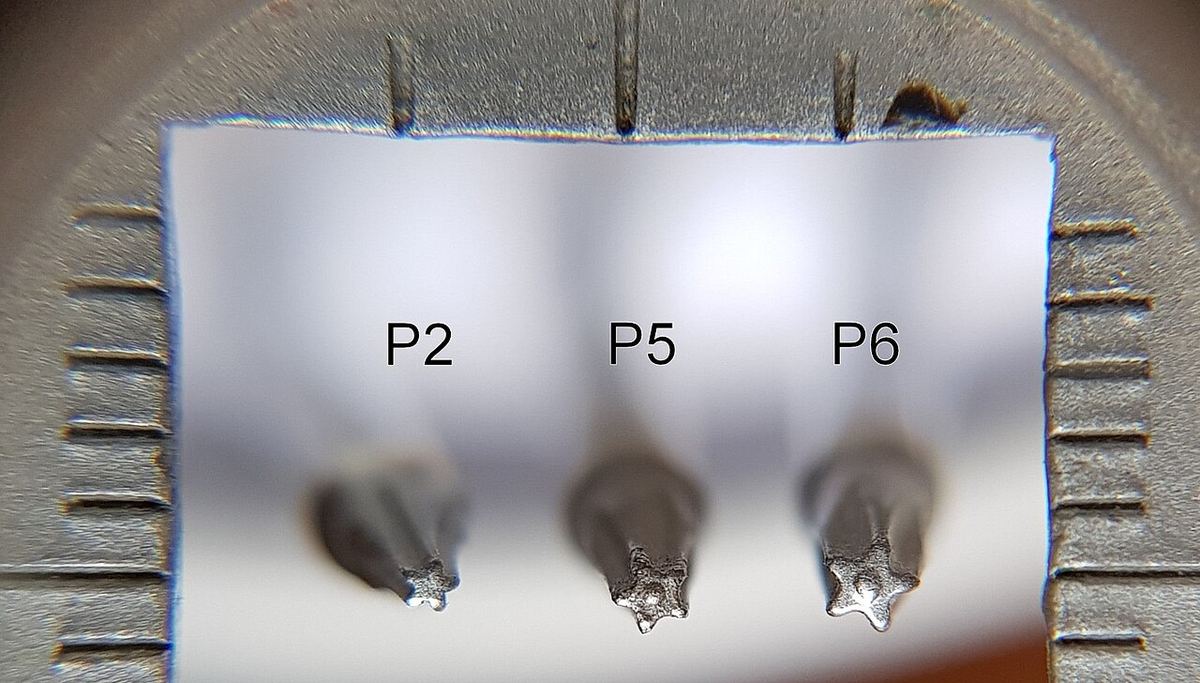
- Remove the ten P5 pentalobe screws and lift off the bottom case.
- Disconnect the battery.
- Remove the covers over the antenna and display cables and unplug them straight up.
- Remove the antenna bar, held by T5 screws and adhesive.
- Remove the T8 hinge screws, open the lid fully and slide the display out.
- Fit the new display, reconnect everything and close up. Connect power to wake the Mac.
Photos for every step: iFixit's MacBook Air 13-inch Late 2020 screen replacement guide.
Videos

Macbook Air M1 2020 Space Grey Screen Replacement A2337. Video by UberGeeks on YouTube, 17 minutes. It loads from YouTube when you press play.

$200 M1 MacBook Air Screen Repaired The Hard Way. Video by Hugh Jeffreys on YouTube, 16 minutes. It loads from YouTube when you press play.
Where to buy
- Apple Self Service RepairGenuine, new, $395
- iFixitUsed A-stock, fix kit
- eBaySearch: A2337 display assembly
- AmazonSearch: A2337 screen
- AliExpressSearch: A2337 LCD screen
Match the colour: Space Gray, Silver or Gold. How to pick a good seller.
Damage only along an edge?
Many M1 Air screens fail as a dead or flickering band along one edge while the rest works perfectly. Before spending $200 to $400, you can keep using the working part with CrackMac.
Another MacBook Air? Prices for every MacBook Air.
If the damage runs along one edge, CrackMac can keep windows, menus and the pointer off it. There's a free 30-minute trial.
Quick answers
How much does it cost to replace an M1 MacBook Air screen?
With AppleCare+, $99 at Apple. Without it, Apple's genuine part alone is $395 plus labour. Doing it yourself with a new aftermarket assembly costs about $215 to $357, or $149 to $175 with a used genuine one.
Can I replace the M1 MacBook Air screen myself?
Yes. iFixit rates the full display assembly swap as moderate, 30 to 60 minutes, with P5 pentalobe and Torx T3 to T8 drivers.
What is the model number of the M1 MacBook Air?
A2337, with EMC 3598. It's printed on the bottom case. The Intel MacBook Air from 2018 to 2020 looks similar but uses different screens.
CrackMac was built on a damaged M1 Air

It started on an M1 MacBook Air with dead bands along the left and bottom edges. CrackMac keeps windows, the menu bar and the pointer on the working glass and paints the damage black. Free for 30 minutes.
- Works on macOS 13 or later, Apple silicon and Intel.
- Free for 30 minutes of use, then a one-time price. No subscription.
- A refund within 7 days, no questions asked.