 CrackMac
MacBook LCD-only replacement: how it works, and when it's worth it
An LCD-only repair replaces just the glass panel inside the lid and keeps your original lid, hinges and camera. It's much harder than swapping the full display assembly: the panel is glued in, has to be heated and pried out, and the new one cracks easily. For an M1 MacBook Air the part saving is small, about $189 to $223 for a panel against $215 to $357 for a whole new assembly, so for most people the full assembly is the better buy.
When LCD-only makes sense
- Your lid, hinges and camera are perfect, and you want to keep the original finish.
- A full assembly in your colour is hard to find or much more expensive.
- You've done delicate repairs before, or a shop is doing it.
How it's done
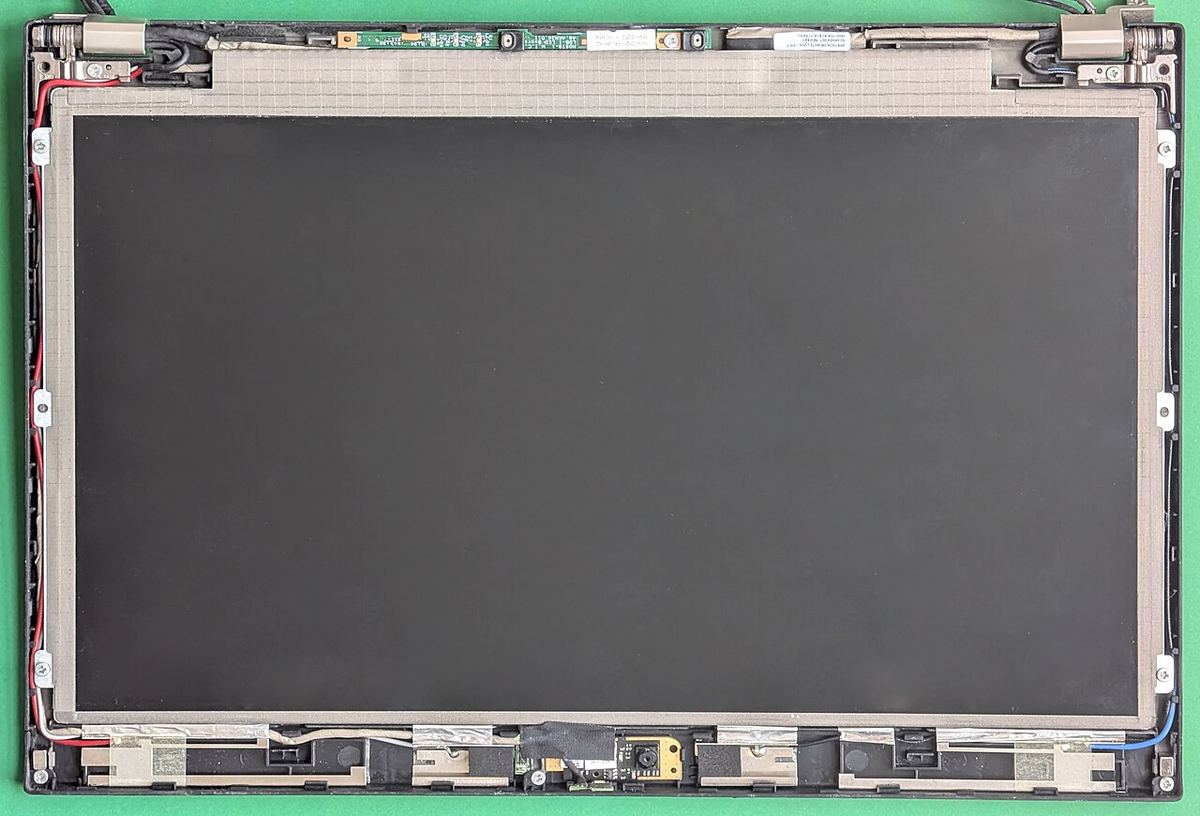
- Remove the complete display assembly from the Mac, as in a full swap. The steps are here.
- Warm the edges of the panel gently to soften the adhesive. Too much heat damages the panel and the rubber trim.
- Work thin plastic cards under the edge and slowly cut through the adhesive all the way round.
- Lift the panel and disconnect its cable.
- Remove every bit of old adhesive and dust from the lid.
- Apply new adhesive strips, connect and test the new panel before pressing it in place.
- Press it down evenly, let the adhesive set, and refit the display.
The risks
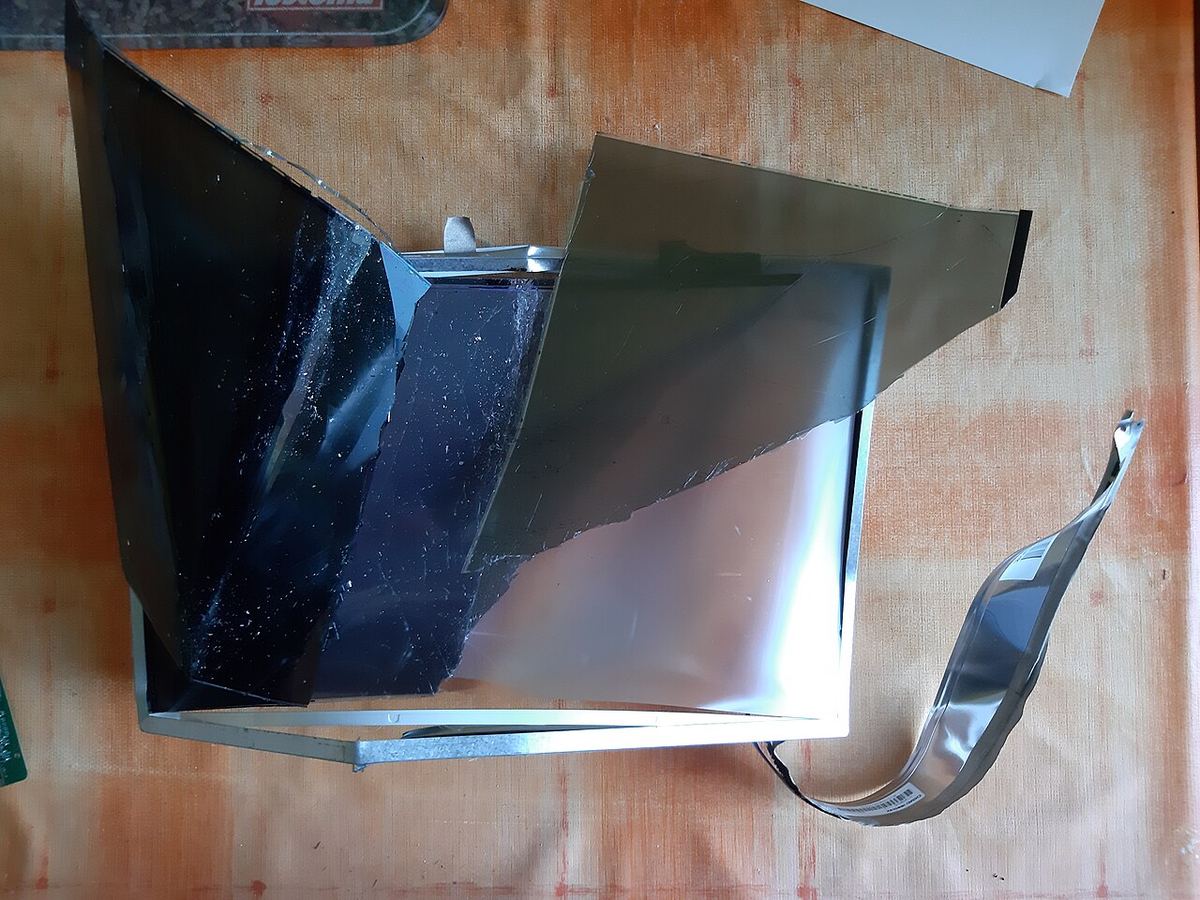
- Cracking the new panel while pressing it in. It's thin and has no protective glass on top.
- Dust under the panel, which shows as specks on a white screen.
- A bent lid or broken clips from prying.
- Torn panel or camera cables.
- Warranty: Apple may decline warranty service on a Mac with a third-party panel.
Videos

MacBook Air A2337 LCD Panel-Only Replacement, Step-by-Step Guide. Video by MobileSentrix Official on YouTube, 24 minutes. It loads from YouTube when you press play.

$200 M1 MacBook Air Screen Repaired The Hard Way. Video by Hugh Jeffreys on YouTube, 16 minutes. It loads from YouTube when you press play.

2020 MacBook Air M1 a2337 LCD panel replacement guide, full process. Video by EliteMacTechs on YouTube, 63 minutes. It loads from YouTube when you press play.
Which MacBooks it works on
LCD-only repairs are common on MacBook Airs, where panels are widely sold, for example for the A2337 and for the A2681, A3113 and A3240, which share one panel. On the 14 and 16-inch MacBook Pro, with mini-LED screens, panels are rarely sold on their own and a full assembly is the norm.
Prices for every model: where to buy a MacBook replacement screen.
If the damage runs along one edge, CrackMac can keep windows, menus and the pointer off it. There's a free 30-minute trial.
Quick answers
What is an LCD-only replacement on a MacBook?
Swapping just the glass LCD panel inside the lid instead of the whole display assembly. The old panel is heated and pried out of the aluminium lid, and the new one is glued in with fresh adhesive.
Is LCD-only replacement cheaper?
Sometimes. For an M1 MacBook Air, a new LCD panel costs about $189 to $223 against $215 to $357 for a full aftermarket assembly, so the part saving is small. It's mainly worth it when your lid and hinges are perfect, or for repair shops.
How hard is it to replace only the LCD on a MacBook?
Hard. You need gentle heat, thin plastic tools and patience, and the new panel cracks easily. Experienced technicians take one to three hours.
Not keen on heat guns and glue?

If the damage is a strip along one edge, CrackMac keeps your work on the part of the screen that still works and paints the damage black, with no tools at all. Free for 30 minutes.
- Works on macOS 13 or later, Apple silicon and Intel.
- Free for 30 minutes of use, then a one-time price. No subscription.
- A refund within 7 days, no questions asked.